Home

EV charging technology

  • How to Upgrade Existing Chargers to Support New Connectors How to Upgrade Existing Chargers to Support New Connectors
    Sep 16, 2025
    Standards evolve, vehicles change, and sites can’t stand still. The good news: many DC fast chargers can add newer connectors without starting from zero—if you line up electrical headroom, signal integrity, software, and compliance in the right order.     Industry snapshot (dated milestones that shape upgrades) SAE moved the North American connector from an idea to a documented target: a technical information report in December 2023, a Recommended Practice in 2024, and a dimensional spec for the connector and inlet in May 2025.   Major networks have publicly said they’ll offer the new connector at existing and future stations by 2025, while equipment makers shipped conversion kits for existing DC fast chargers as early as November 2023. Separately, one network reported its first pilot site with native J3400/NACS connectors in February 2025, adding a second in June 2025. Some Superchargers are open to non-Tesla EVs when the car has a J3400/NACS port or a compatible DC adapter.   What this means for you: plan for dual-connector coverage where traffic is mixed, and treat cable-and-handle swaps as the first option when your cabinet’s electrical, thermal, and protocol limits already fit the new duty.   Upgrade paths (pick the lightest that works) Cable-and-handle swap: replace the lead set with the new connector while keeping cabinet/power modules. Lead + sensor harness refresh: Add temperature sensing at the pins, tidy the HVIL circuit, and reinforce shielding/ground continuity so the data channel stays stable and thermal derating unfolds smoothly. Dual-connector add: keep CCS for incumbents and add J3400 for new traffic. Cabinet refresh: step up only if voltage/current class or cooling is the real blocker.     Retrofit flow (from idea to live energy) Map vehicles to support (voltage window, target current, cable reach). Check cabinet headroom (DC bus & contactor ratings, isolation-monitor margin, pre-charge behavior). Thermals (air vs liquid; sensor placement at the hottest elements). Signal integrity (shield continuity, clean grounds, HVIL routing). Protocols (ISO 15118 plus legacy stacks; plan contract certificates if offering Plug & Charge). CSMS & UI (connector IDs, price mapping, receipts, on-screen prompts). Compliance (labels, program rules; keep a per-stall change record). Field plan (spare kits, minutes-level swap procedures, acceptance tests, rollback).     Engineering noteHandshake stability lives inside the handle and lead as much as in firmware. Stable contact resistance, verified shield continuity, and clean grounds protect the data channel that rides on the power lines. As practical reference points, assemblies such as Workersbee high-current DC handle embed temperature sensing at hot spots and maintain continuous shield paths so current steps are smooth rather than abrupt.   Can I just swap the cable and handle? Often yes—when the cabinet’s bus window, contactors, pre-charge, cooling, shield/ground continuity, and protocol stacks already meet the new duty. Where you must keep CCS available or the cabinet wasn’t built for retrofits, use dual leads or stage conversions by bay.     Five bench checks before field work Bus & contactors: ratings meet or exceed the new connector’s voltage/current duty. Pre-charge: resistor value and timing handle the vehicle inlet capacitance without nuisance trips. Thermals: cooling path has margin; pin-temperature sensing is in the right place (near the hottest elements). Signal integrity: shield continuity and low-impedance drains end-to-end; clean grounds. Protocol stacks: ISO 15118/Plug & Charge where needed; certificate handling planned.     Retrofit readiness scorecard Dimension Why it matters Pass looks like What to check Bus & contactors Safe close/open at target duty Ratings ≥ new duty; thermal margin intact Nameplate + type tests Isolation & pre-charge Avoid nuisance trips on inrush Stable pre-charge across models Log plug-in → pre-charge separately Thermal path Predictable current steps, not hard cuts Sensors at hot spots; proven cooling path Thermal logs during soak Signal integrity Clean handshake beside high current Continuous shield & ground; low noise Continuity tests; weather-band trials Serviceability Short incidents, fast recovery Labeled spares; no special tools Swap order: handle → cable → terminal UI & CSMS Fewer support calls Clear prompts; consistent IDs & receipts Price and contract mapping tests Compliance Avoid re-inspection surprises Labels and paperwork aligned Per-stall change record   Field-proven acceptance tests Cold start: first session after overnight; log plug-in → pre-charge and pre-charge → first amp as two metrics. Wet handle: light exterior spray (no flooding); confirm clean handshake. Hot soak: After sustained operation, confirm the charger reduces current in controlled steps rather than with abrupt cutoffs. Longest lead bay: confirm voltage drop and on-screen messaging. Reseat: single unplug/replug; recovery should be quick and clean.     FAQs Can existing DC fast chargers be upgraded to new connectors?Yes in many cases—starting with a cable-and-handle swap when electrical, thermal, and protocol checks pass. Some vendors provide retrofit options; others recommend new builds for units not designed for retrofits.   Will we alienate CCS drivers if we add J3400?Keep dual connectors during the transition. Several networks have committed to adding J3400/NACS while retaining CCS.   Do we need software changes?Yes. Update connector IDs, price logic, certificate handling, and UI messages so receipts and reports stay consistent.   Is ISO 15118 required for new connectors?Not universally, but it enables contract-at-the-cable and structured power negotiation, and pairs well with J3400 rollouts.   Upgrades succeed when mechanics, firmware, and operations move together. Do the lightest change that delivers a clean start and a predictable ramp—then make that swap repeatable across bays.
    Read More
  • Why EV Charging Slows After 80% Why EV Charging Slows After 80%

    Sep 15, 2025
    The short answerCharging slows after roughly 80 percent because the car protects the battery. As cells fill up, the BMS shifts from constant current to constant voltage and trims the current. Power tapers, and each extra percent takes longer. This is normal behavior.   Related articles: How to Improve EV Charging Speed (2025 Guide)     Why the taper happens Voltage headroomNear full, cell voltage approaches safe limits. The BMS eases current so no cell overshoots. Heat and safetyHigh current makes heat in the pack, cable, and contacts. With less thermal margin near full, the system reduces power. Cell balancingPacks have many cells. Small differences grow near 100 percent. The BMS slows down so weaker cells can catch up.     What drivers can do to save time• Set the fast charger in the car’s navigation to trigger preconditioning.• Arrive low, leave early. Reach the site around 10–30 percent, charge to the range you need, often 70–80 percent.• Avoid paired or busy stalls if the site shares cabinet power.• Check the handle and cable. If they look damaged or feel very hot, switch stalls.• If a session ramps poorly, stop and start on another stall.   When going past 80 percent makes sense• Long gap to the next charger.• Very cold night and you want a buffer.• Towing or long climbs ahead.• The next site is limited or often full.     How sites influence the last 20 percent• Power allocation. Dynamic sharing lets an active stall take full output.• Thermal design. Shade, airflow, and clean filters help stalls hold power in summer.• Firmware and logs. Current software and trend checks prevent early derates.• Maintenance. Clean pins, healthy seals, and good strain relief lower contact resistance.     Tech note — Workersbee On high-use DC lanes, the connector and cable decide how long you can stay near peak. Workersbee’s liquid-cooled CCS2 handle routes heat away from the contacts and places temperature and pressure sensors where a technician can read them fast. Field-replaceable seals and clear torque steps make swaps quick. The result is fewer early trims during hot, busy hours.     Quick diagnostic flow Step 1 — Car• SoC already high (≥80 percent)? Taper is expected.• Battery cold or hot message? Precondition or cool, then retry. Step 2 — Stall• Paired stall with a neighbor active? Move to a non-paired or idle stall.• Handle or cable very hot, or visibly worn? Switch stalls and report it. Step 3 — Site• Hub packed and lights cycling? Expect reduced rates or route to the next site.     80%+ behavior and what to do Symptom at 80–100% Likely cause Quick move What to expect Sharp drop near ~80% CC→CV transition; balancing Stop at 75–85% if time matters Quicker trips with two short stops Hot day, early trims Thermal limits in cable/charger Try shaded or idle stall More stable power Two cars share one cabinet Power sharing Pick a non-paired stall Higher and steadier kW Slow start, then taper No preconditioning Set charger in nav; drive a bit longer before stop Higher initial kW next try Good start, repeated dips Contact or cable issue Change stalls; report handle Normal curve returns      FAQ Q1: Is slow charging after 80% a charger fault?A: Usually not. The car’s BMS tapers current near full to protect the battery. That said, you can rule out a bad stall in under two minutes:• If you’re already above ~80%, a falling power line is expected—move on when you have enough range.• If you’re well below ~80% and power is abnormally low, try an idle, non-paired stall. If the new stall is much faster, the first one likely had sharing or wear issues.• Visible damage, very hot handles, or repeated session drops point to a hardware problem—switch stalls and report it.   Q2: When should I charge past 90%?A: When the next stretch demands it. Use this simple check:• Look at your nav’s energy-at-arrival for the next charger or your destination.• If the estimate is under ~15–20% buffer (bad weather, hills, night driving, or towing), keep charging past 80%.• Sparse networks, winter nights, long climbs, and towing are the common cases where 90–100% saves stress.   Q3: Why do two cars on one cabinet both slow down?A: Many sites split one power module between two posts (paired stalls). When both are active, each gets a slice, so both see lower kW. How to spot it and fix it:• Look for paired labels (A/B or 1/2) on the same cabinet, or for signage explaining sharing.• If your neighbor plugs in and your power falls, you’re likely sharing. Move to a non-paired or idle post.• Some hubs have independent cabinets per post; in those cases, pairing isn’t the cause—check temperature or the stall’s condition instead.   Q4: Do cables and connectors really change my speed?A: They don’t raise your car’s peak, but they decide how long you can stay near it. Heat and contact resistance trigger early derates. What to watch:• Signs of trouble: a handle that’s very hot to the touch, scuffed pins, torn seals, or a cable that kinks sharply.• Quick fixes for drivers: pick a shaded or idle stall, avoid tight bends, and switch posts if the handle feels overheated.• Site practices that help everyone: keep filters clear and air moving, clean contacts, replace worn seals, and use liquid-cooled cables on high-traffic, high-power lanes to hold current longer.
    Read More
  • The Role of ISO 15118 in EV Connector Communication (2025) The Role of ISO 15118 in EV Connector Communication (2025)
    Sep 11, 2025
    You plug in, the screen wakes, and energy starts to move. In those first seconds the vehicle and the charger agree on identity, limits, and safety. ISO 15118 provides the shared protocol that lets the car and charger agree on the terms of a session. It sits above the metal and seals inside the connector, turning a mechanical mate into a predictable digital exchange.     What ISO 15118 actually doesISO 15118 defines the messages and timings an EV and a charging system use during a session. It covers capability discovery, contract-based authentication, pricing and schedule updates, and how both sides should respond to faults. With a shared protocol, a car can authenticate at the cable, a site can shape power in real time, and logs can be tied to vehicles rather than swipe cards.   How data rides through a physical connectorThe same assembly that carries hundreds of amps also carries a narrowband data signal. In most public DC systems outside China, that signal rides on the power conductors while dedicated pins confirm presence and allow high-voltage contactors to close. Stable contact resistance, shield continuity, and clean ground paths keep the channel intact. When any of those slip, the station shows a “communication” fault even though the root cause is mechanical or environmental.   Plug & Charge—what changes at the startPlug & Charge uses certificates so the vehicle can present its contract at the moment of insertion. The charger checks that contract and starts the session without cards or apps. Sites see shorter queues and fewer support calls. Fleet operators get charging records mapped to vehicle asset IDs, making cost allocation and audits straightforward.   Smart power, scheduling, and bidirectional readinessBeyond a basic current cap, ISO 15118 supports negotiated power ceilings, scheduling windows, and contingency rules when conditions change. Depots can smooth peaks and schedule topping sessions across a shift. Highway sites can share limited capacity across many bays with predictable ramps instead of abrupt cuts. The same building blocks prepare hardware and software for wider vehicle-to-grid use as markets mature.     From plug-in to power-on: how a charging session unfolds Handle seats and locks; proximity and presence circuits confirm a safe mate. A communication link forms; roles are set and capabilities exchanged. Identity is presented; if enabled, a contract is verified at the cable. Limits are agreed: voltage window, current ceiling, ramp profile, thermal plan. The charger aligns bus voltage and closes contactors under supervision. Current ramps to the profile while both sides monitor and adjust. The session stops; current ramps down, contactors open, and a receipt is recorded.     Buyer and operator scorecard Dimension What it looks like on site Why it matters What to ask vendors for Handshake reliability First-try starts during peak hours Fewer queues and retries Success rates by temperature and humidity bands Time to first kWh Seconds from plug-in to energy Real throughput, not just nameplate power Distribution data and acceptance targets Plug & Charge readiness Contract at the cable, no cards or apps Shorter lines, cleaner logs Certificate lifecycle tooling and renewal process Thermal derating clarity Predictable current steps as heat rises Driver trust and reliable ETAs Pin-temperature sensing and on-screen messaging behavior EMC discipline Stable comms next to high current Fewer “phantom” protocol faults Shielding/ground design and continuity test results Serviceability Minutes-level swaps for handles and cables Lower downtime and callout costs MTTR targets, labeled parts, video procedures Lifecycle documentation Limits, inspection cadence, failure modes in simple terms Safer, repeatable operations across shifts Maintenance schedule and acceptance tests     Engineering notesTreat shielding and ground as first-class design elements. Verify shield continuity across the full assembly and route drains with low-impedance terminations. Place temperature sensors close to the hottest elements so current steps are smooth rather than abrupt. As a practical reference point, some high-current DC handles—such as Workersbee high-current DC handle—embed sensing near hot spots and maintain continuous shield paths from handle to cabinet. These choices reduce “mystery” faults in busy windows.     Field observationsMost handshake retries show up on chilly mornings, with damp connectors, and during hot, sun-soaked afternoons. Condensation inside cavities and loose ground lugs inject noise into the data channel. Balancing sealing and venting, adding a quick torque check to the inspection routine, and routing cables to avoid sharp bends cut retries sharply. Assemblies with verified shield continuity and grounding—e.g., Workersbee ISO 15118-ready connector assemblies—help keep the data path quiet when current and heat are high.     Implementation details you can verify• Every build lot should include checks for shield continuity and ground resistance, plus a temperature-rise spot test at representative currents. • On site, measure two timing metrics separately: plug-in to pre-charge, and pre-charge to first amp. If either drifts, inspect mechanics before software. • Track aborted starts per hundred plugs by bay and by cable age; patterns often reveal a specific run or routing issue.     Service playbook excerptWhen a “communication error” appears, work the order: visual inspection → ground continuity → shield continuity → temperature-sensor sanity check → trial session. Replace parts in the sequence handle → cable → terminal assembly to minimize downtime. Aim for minutes-level recovery. Keep a labeled spare kit and a short video procedure at each site.     Why connector and cable choices decide protocol stabilityA connector that stays dry internally, holds its torque, and keeps low contact resistance protects the data channel that rides on the power lines. Good ergonomics reduce twisting and side loads that loosen lugs over time. Clear labeling and minutes-level swaps turn a site incident into a short pause instead of a lane closure. This is where specification sheets meet operations: signal integrity and thermal behavior live or die inside the handle and along the cable, not just in the cabinet.     Driver tips that reduce errors• Insert with the handle aligned; avoid twisting under load.• If a fault appears, reseat once, then try a neighboring bay.• After rain or washing, wipe the inlet face to clear moisture films that can couple noise into the channel.• Watch for on-screen notes about planned current steps; a gentle ramp usually signals thermal management, not a failure.     Key takeaways for fleets and site ownersMake ISO 15118 a requirement in RFQs and acceptance tests. Measure more than uptime by tracking handshake success, time to first kWh, and recovery after a reseat. Standardize spares and labels so field teams replace the right part on the first visit. Keep certificate updates on a schedule and hold grounding continuity to the same standard you apply to thermal limits. Do these well and sessions start clean, climb predictably, and stay stable during rush hours.
    Read More
  • How to Improve EV Charging Speed (2025 Guide) How to Improve EV Charging Speed (2025 Guide)
    Sep 10, 2025
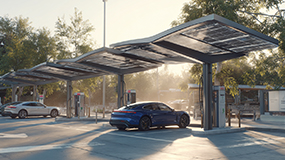
    Glossary • SoC: battery state of charge, shown as a percentage.• Charge curve: how power rises, peaks, then tapers as SoC increases.• Preconditioning: the car warms or cools the battery before a fast charge so it’s at the right temperature.• Peak power: the maximum kW your car can draw, usually only for a short burst.• Power sharing: a site splits power between stalls when many cars plug in.• BMS: the car’s battery management system that keeps the pack safe and sets charging limits.     Why is the same car fast today and slow tomorrowThree scenes explain most slow sessions. 1. Cold morning. You may arrive with the cabin toasty but the battery still cold, and the car will reduce charging power to protect the cells.   2. Hot afternoon. Cable and electronics run hot. The system reduces power to hold safe temperature.   3. Busy site. Two or more stalls pull from the same cabinet. Each car gets a slice, so your power drops.     The charge curve explained Fast at low SoC, slower near full. Most cars charge quickest below roughly 50–60 percent, then taper as they pass 70–80 percent. The last 10–20 percent is the slowest part. If you need to save time, plan for short stops in the fast zone instead of one long session to near 100 percent.       What drivers can control in minutes• Navigate to the fast charger in your car’s system before you set off. This triggers battery preconditioning on many models.• Arrive low, leave smart. Reach the site around 10–30 percent, charge to the range you need, often 70–80 percent, then go.• Pick the right stall. If cabinets are labeled A–B or 1–2, choose a stall that is not paired or not in use.• Check the handle and cable. Avoid damaged connectors, tight kinks, or hot-to-the-touch cables.• Avoid back-to-back heat. If your car or the cable feels hot after a long drive, a five-minute cool-off with the car in Park can help the next ramp.     What site owners can control• Available power. Size cabinets and grid feed for peak times, not only averages.• Power allocation. Use dynamic sharing so a single active stall gets the full output.• Thermal design. Keep inlets, filters, and cable routing clear; add shade or airflow in hot climates.• Firmware and logs. Keep charger and CSMS software up to date; watch for stalls that derate early.• Maintenance. Inspect pins, seals, strain relief, and contact resistance; swap worn parts before they cause drop-offs.     Quick diagnostic path when charge is slower than expectedStep 1 — Check the car:• SoC above 80 percent → taper is normal; stop early if time matters.• Battery too cold or too hot warning → start preconditioning, move the car into shade or out of wind, retry. Step 2 — Check the stall:• Paired stall light is active or neighbor is charging → move to an unpaired or idle stall.• Cable or handle feels very hot, or visible damage → switch to another stall and report it. Step 3 — Check the site:• Many cars waiting, site at capacity → accept a reduced rate or route to the next hub on your path.     Action plan scorecard Situation Quick move Why it helps Typical result Arrive with high SoC Stop sooner; plan two short stops Stays in the fast zone of the curve More kWh per minute overall Cold battery in winter Precondition via car navigation Brings cells into the optimal window Higher initial kW Hot cable or stall Change to a shaded or idle stall Lowers thermal stress on hardware Less thermal derate Paired stalls are busy Pick an unpaired cabinet output Avoids power sharing More stable power Unknown slow-down cause Unplug, replug after 60 seconds Resets session and handshake Recover lost ramp     Cold and hot weather tipsWinter: Start preconditioning 15–30 minutes before arrival. Park out of strong wind while waiting. If you do short hops between chargers, the pack may never warm up; plan one longer drive before your fast stop.Summer: Shade matters. Canopies reduce heat on chargers and cables. If you tow or climb hills before charging, give the car a short cool-off with HVAC on but drive unit at rest.     How connectors and cables affect your speed windowThe charger cabinet sets the ceiling, and your car sets the rules, but the connector and cable decide how long you can stay near peak power. Lower contact resistance, clear heat paths, and good strain relief help the system hold current without early derating. In high-traffic sites, liquid-cooled DC cables widen the usable high-power window, while naturally cooled assemblies work well at moderate currents with simpler upkeep. Workersbee focus: Workersbee liquid-cooled CCS2 connector uses a tightly managed thermal path and accessible sensor layout to help sites hold higher current longer, with field-serviceable seals and defined torque steps for quick swaps.     Operations playbook for site owners• Design for the dwell you promise. If you market 10–80 percent in under 25–30 minutes for typical cars, size your cabinets and cooling for warm days and shared use. • Map cabinet-to-stall pairing in your signage. Drivers should know which stalls share a module. • Add human factors. Cable length, reach angles, and parking geometry change how easily drivers plug and route the cable. Shorter, slimmer cables reduce mishandling and damage. • Build a five-minute inspection. Look for pitted pins, loose latches, torn boots, and hot spots on thermal cameras during peak hours. Log any stall that tapers too early. • Keep spares ready. Stock handles, seals, and strain relief kits so a tech can restore full speed in one visit.     Common myths, clarifiedMyth: A 350 kW charger is always faster than a 150 kW unit.Reality: It depends on your car’s max accept rate and where you are on the charge curve. Many cars never draw 350 kW except for a short spike.   Myth: If power drops after 80 percent, the charger is faulty.Reality: Taper near full is normal and protects the battery. Stop early if you are in a hurry.   Myth: Cold weather always means slow charging.Reality: Cold plus no preconditioning is slow. With preconditioning and a longer drive before your stop, many cars can still charge briskly.     Driver checklist•  Set the fast charger as your destination in the car’s navigation so preconditioning starts automatically.• Arrive low, leave around 70–80 percent if time is key.• Choose an idle, non-paired stall.• Avoid damaged or overheated cables.• If speed is poor, unplug and retry on another stall.     Light maintenance cues for attendants• Clean and check the connector’s pins and seals every day.• Keep cables off the ground and avoid tight bends along the run.• Note stalls that show early derate or frequent retries; schedule a deeper check.• Review logs weekly for temperature alarms and handshake errors.     What this means for fleets and high-use sitesFleets live on predictable turn-times. Standardize driver behavior, keep the fastest stalls clearly signed, and protect thermal performance with shade and airflow. If you operate mixed hardware, tag which stalls hold current longest during summer peaks and route queuing there first. Workersbee can help by matching connector and cable sets to your cabinet ratings and climate. Workersbee naturally cooled and liquid-cooled assemblies are built for repeatable handling and quick field service, which supports consistent dwell times during busy hours.     Key takeaways• Charging speed follows a curve, not a single fixed number. Use the fast zone and avoid the slow tail.• Temperature and sharing are the two biggest hidden factors.• Small habits make big differences: precondition, arrive low, pick the right stall.• For sites, thermal design and upkeep keep high current alive longer.
    Read More
  • Troubleshooting Common EV Connector Issues Troubleshooting Common EV Connector Issues
    Sep 09, 2025
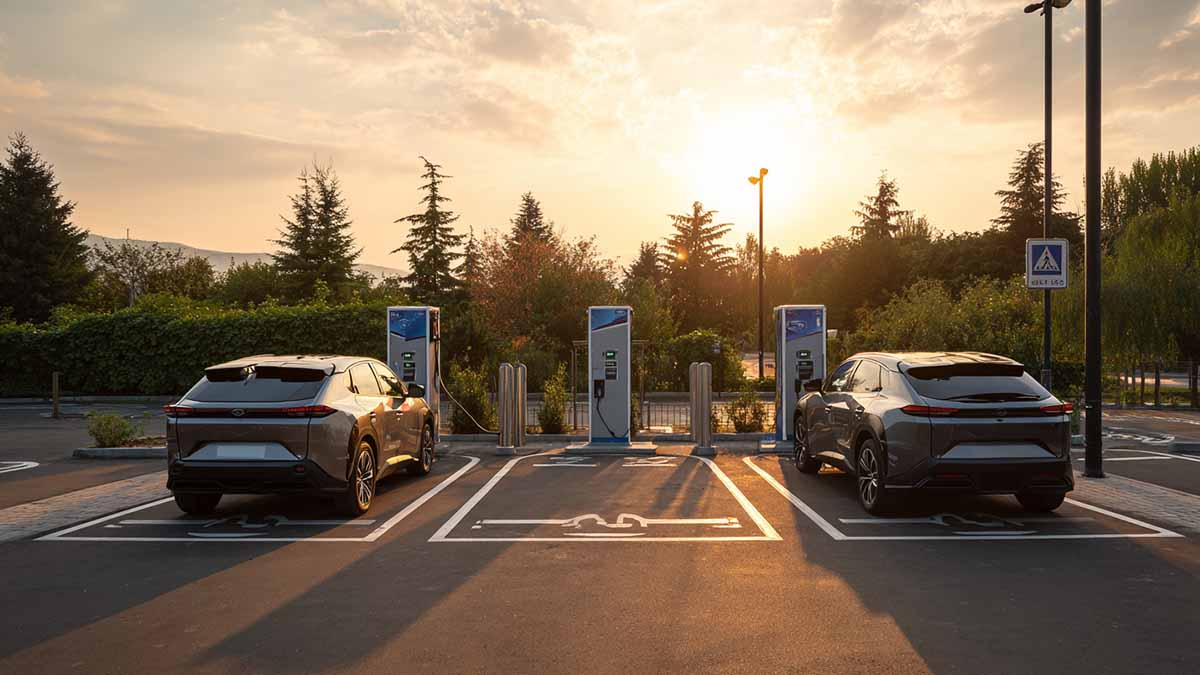
    If you run public sites, depots, or supply charging hardware, you meet the same problems again and again. Hot days that force derates. Latches that refuse to release after snow and salt. Sessions that connect but never deliver current. This guide keeps ev connector troubleshooting close to real life, with short cases and clear actions.   Case 1: Afternoon derates at a highway stopA six-stall DC site beside a freeway slowed down on hot days. When temperatures hit 34–36°C, two stalls ramped power down within five minutes. One handle showed light browning around a high-current pin. Cable and strain relief looked fine.   What workedStaff ended the session, cut power, and dry-cleaned the mating area. They retested at a moderate current. That same handle became uncomfortable to hold within minutes. A known-good handle on the same stall ran normally. The browned unit was removed and replaced. During the heat spell, the team used shaded lanes for high-current cars and avoided back-to-back full-rate sessions on one connector.   Why it happensWear, dirt, and partial mating raise contact resistance. Local heat builds near the pins and triggers protection. Early clue: a small patch of discoloration at one contact.   Case 2: Latch jam after freeze and road saltAfter a coastal freeze, several drivers could not unplug. Ice and salt grains sat in the latch window and under the release tab.   What workedAfter stopping the session and powering down, staff supported the handle to remove cable weight. They toggled the latch while clearing debris. Two latches returned slowly and showed scuffing. Those assemblies were swapped the same day. The site added covered holsters and reminded users to seat the plug fully and holster it after use.   Why it happensIce and grit increase friction and block full latch travel. Even a small misalignment can trap the latch in cold weather.   Case 3: Connected but no power during fleet rolloutA depot introduced new vans that expected newer communication features. Drivers saw “preparing” and then a stop across multiple stalls. Connectors looked normal.   What workedOperators tried a second stall to exclude a cabinet-only fault. They cleaned dust from the signal-pin area—construction nearby had coated several plugs. Older cabinets received a firmware update. Handshakes stabilized and the loop disappeared.   Why it happensTwo issues join forces: feature mismatch and a weak signal path. Clean pins restore signal quality; firmware alignment prevents repeated retries.   Case 4: Night-shift AC trips from partial matingAn overnight AC row tripped RCDs around midnight. Camera footage showed angled plug-ins when spaces were tight. Several connectors had scuff marks; one latch tongue was slightly bent.   What workedSupervisors walked the row at plug-in time. They coached drivers to align and push until a crisp click. Two worn latches were replaced. Wheel stops were moved so vans could square up to the pedestals. Trips faded over the next week.   Why it happensPartial mating lowers contact pressure. As load cycles, micro-arcing can occur. Minor wear plus poor alignment turns a rare glitch into a nightly pattern.     Patterns to spot before uptime suffers Contact resistance and heatLocal temperature rise at high-current pins is the top driver of DC derates. A handle that turns uncomfortably hot in a few minutes at moderate load is not “normal aging.” It signals rising resistance.   Mechanical alignment and latch feelA straight insertion and a clean click create stable contact pressure. This matters most on AC rows where plugs sit for hours.   Environment and storageSalt, sand, and rain create many “random” faults. Covered holsters and dust caps block the slow build-up that later becomes stuck latches or handshake errors.   Communication realismNew vehicles bring new expectations. Sites that keep firmware current and clean signal pins routinely avoid most “connected but not charging” complaints.       RAG action bands for operatorsRed — take offline nowMelted plastic, soot, warped shells, a strong burnt odor, or a handle that stays very hot near the contacts within minutes at moderate load means stop. De-energize, tag, and remove from service. Do not polish or reshape pins. Keep the unit for notes and photos.   Amber — clean, retest, and monitorMild browning on one pin, odd insertion or removal feel, or intermittent derates in heat without visible damage sits in the watch zone. Dry-wipe the mating area, ensure full seating and a crisp latch click, then retest at a moderate current. If symptoms return, plan a swap within a week and log the connector ID.   Green — normal serviceNo unusual heat, smooth latch movement, no localized browning, and stable output under expected loads. Maintain routine care: holster after use, keep connectors off the ground, and do quick dry cleaning at shift end.   Action bands at a glance Band Field signals you’ll notice Immediate action Planned follow-up Red Melt/soot/warping; strong odor; rapid heat at contacts De-energize; tag; remove from service Replace; add notes and photos Amber Mild browning; latch drag; heat-day derates Dry-wipe; fully seat; retest moderately Monitor; swap within 7 days Green Normal feel and color; stable output Standard care and holstering Check during monthly inspections     Logging that prevents repeat workCapture station ID, connector ID, ambient temperature, vehicle type if known, the symptom in plain words, what you tried, and whether it recurred after retest. A month of short entries will show which stalls age fastest and where to place your best spares.     Small upgrades that remove recurring faults• Covered holsters limit splash-in and keep salt out of latch paths.• Dust caps protect signal pins on windy, dusty sites.• Shade structures above the busiest lanes lower afternoon handle temperatures on naturally cooled connectors.• Rotating the highest-use connectors across stalls spreads wear and delays retirements.     Operational support for multi-site operatorsWorkersbee supplies Type 2 AC connectors, CCS2 naturally cooled DC handles, and EV charging parts such as adapters, sockets. For networks with mixed climates and duty cycles, the team maps connector models to site conditions, defines clear retire-and-replace thresholds, and standardizes spare kits so field staff can swap suspect units immediately and keep lanes open.
    Read More
  • How to Select EV Connectors for Fleet Charging Solutions How to Select EV Connectors for Fleet Charging Solutions
    Sep 03, 2025
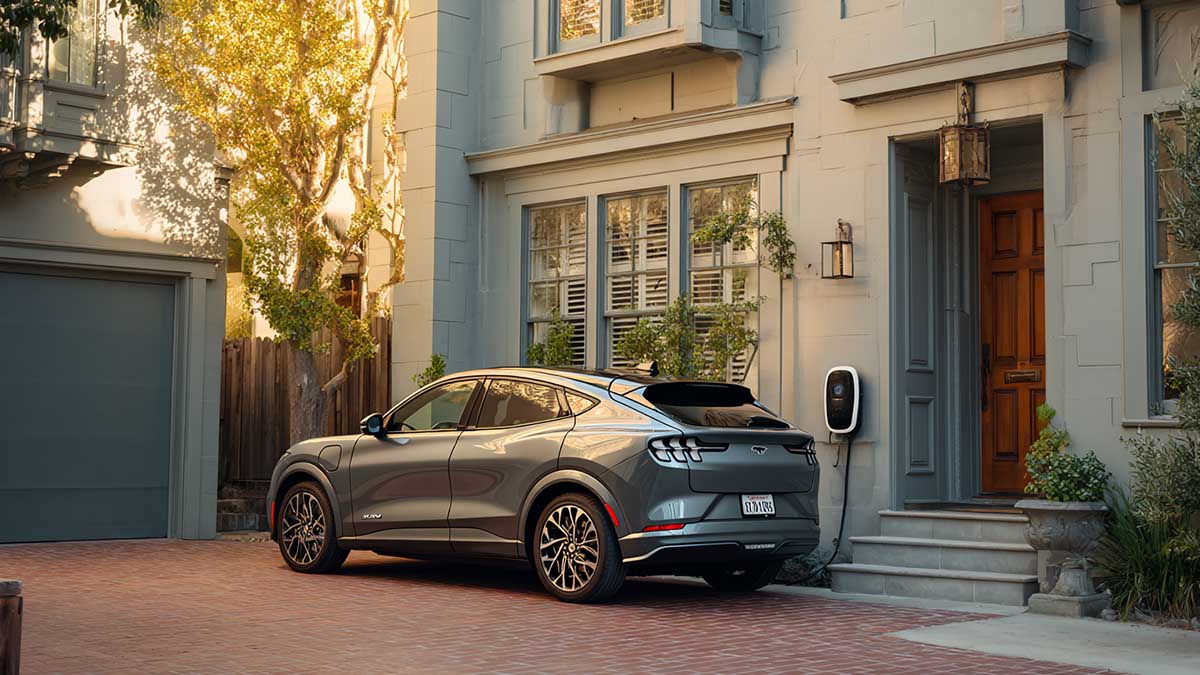
    If you manage an EV depot, EV connectors for fleet charging are not just plug shapes. They affect uptime, safety, driver workflow, and total cost. The common options you will meet are: ·CCS1 or CCS2 for DC fast charging ·J3400 also called NACS in North America ·Type 1 and Type 2 for AC charging ·MCS for future heavy trucks     Quick glossary AC vs DC: AC is slower and works well for long dwell times at the depot. DC is faster for quick turnarounds. CCS: Combined Charging System. Adds two big DC pins to a Type 1 or Type 2 style for fast charging. J3400: The SAE standard based on the NACS connector. Compact handle, now adopted by many new vehicles in North America. Type 1 and Type 2: AC connectors. Type 1 is common in North America. Type 2 is common in Europe. MCS: Megawatt Charging System for heavy trucks and buses that need very high power.     A simple five-step framework   1. Map your vehicles and portsWrite down how many vehicles you have by make and model, and what ports they use today. In North America that often means a mix of CCS and J3400 during the transition. In Europe you will see CCS2 and Type 2. For mixed ports, plan to support both on key bays instead of relying on adapters every day.   2. Decide where charging happens Depot first: Choose AC for overnight or long dwell and use DC on a few lanes for peak demand. On-route: Prioritize the dominant port in your region so drivers can plug in without confusion. Tip: In mixed fleets, dual-lead posts that offer CCS and J3400 on the same dispenser reduce idle time.   3. Size power and cooling the practical wayThink in current, not only kilowatts. The higher the sustained current, the hotter the cable and handle get. Natural cooling: simpler service and lower weight, good for many depots and moderate current. Liquid cooling: for high throughput lanes, hot climates, or heavy use where sustained current is high.   4. Make it easy for drivers and techsCold sites can make cables stiff. Hot sites raise handle temperatures. Choose handles that are glove-friendly, with good strain relief, and add cable management like booms or retractors. This cuts drops and damage, which are common causes of downtime.   5. Confirm protocols and policy fit OCPP 2.0.1 support enables smart charging and depot load management. With ISO 15118, Plug & Charge uses secure certificates to handle sign-in and billing in the background, no cards or apps needed. If you depend on public corridor funding in the US, make sure the connector set stays compliant as rules evolve.     Connector choices by situation Situation Recommended connector setup Why it works Notes North America, light-duty fleet with mixed ports Dual-lead posts offering CCS and J3400 on high-use bays; AC Type 1 at base Covers both port types while keeping AC costs low Limit daily reliance on adapters Europe depot with vans CCS2 for DC lanes, Type 2 for AC rows Matches current market and vehicles Keep spare handles and seals Hot climate, fast turnarounds Liquid-cooled DC handles on express lanes Keeps handle temperatures in check at high current Add cable retractors Cold climate, long dwell Mostly AC with a few DC posts; naturally cooled DC handles AC suits long dwell, natural cooling is simpler Choose jacket materials rated for cold Medium-duty trucks now, heavy trucks coming Start with CCS posts but pre-wire and plan bays for MCS Avoids future tear-outs Reserve space for larger cables and clear approach paths     What to pick today if your fleet is mixed Put dual-lead CCS plus J3400 on the busiest lanes so any car can charge without waiting. Standardize signage and on-screen prompts so drivers always grab the correct lead. Use AC where vehicles sleep and DC only where the schedule is tight. Keep a few certified adapters as contingency, but do not build daily operations on adapters.     Operations and maintenance made simple Stock spares for high-wear parts: latches, seals, dust caps. Document the tools and torque values your techs need. Train drivers on proper holster use to keep water and dust out of the connector. Choose naturally cooled handles where your sustained current allows. Use liquid-cooled only where the duty truly needs it.     Compliance, safety, and user experience Check local codes and accessibility. Ensure a comfortable reach to holsters and clear floor space. Label dual-lead dispensers clearly so drivers pick the right connector the first time. Align your software stack with OCPP 2.0.1 and your future plan for ISO 15118 to support smart charging and Plug and Charge as vehicles allow.     Printable checklist List every vehicle model and its connector type Mark depot vs on-route charging for each route Decide AC or DC for each bay based on dwell time Pick natural or liquid cooling based on sustained current and climate Add cable management: booms or retractors where traffic is heavy Confirm protocols: OCPP 2.0.1 now, plan for ISO 15118 Stock spare latches, seals, and one extra handle per X lanes For heavy trucks, reserve space and conduit for MCS     A short example You run 60 vans and 20 pool cars in a US city. Half of the new cars arrive with J3400, while older vans are CCS. Most vehicles sleep at the depot. Install AC rows for vans that return every evening. Add four DC posts with dual leads CCS plus J3400 for vehicles that must turn quickly. Choose naturally cooled handles on most DC posts to simplify field service. Use liquid-cooled only on two high-throughput lanes that serve peak demand at shift change. Pre-plan space and conduit for future medium trucks and, later, MCS.     Where Workersbee fits For depots that value simpler maintenance, a high-current naturally cooled CCS2 handle can reduce weight and service complexity. For hot sites or very high throughput, specify a liquid-cooled CCS2 handle on the express lanes. In Europe, align with CCS2 and Type 2 across AC and DC. In North America during the transition, cover CCS and J3400 on the busiest bays.
    Read More
  • Portable EV Charger Guide 2025: Wall Outlets, Outdoor Use, Safety Portable EV Charger Guide 2025: Wall Outlets, Outdoor Use, Safety
    Sep 02, 2025
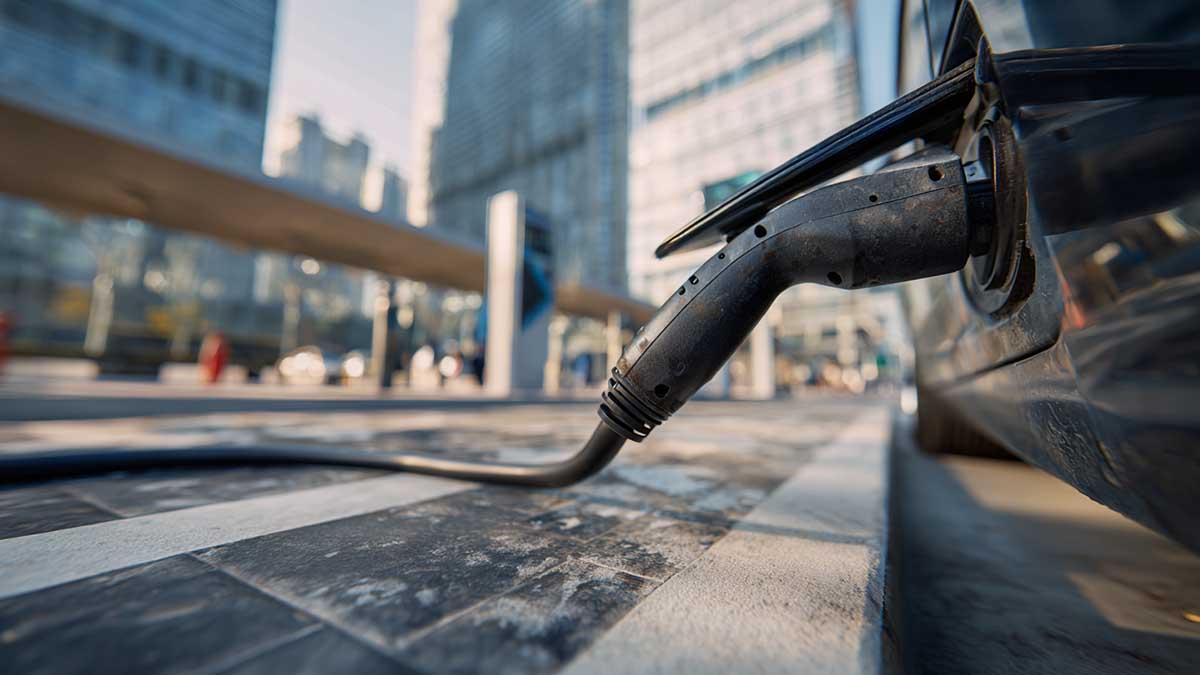
    Portable charging removes friction for new EV owners, dealerships, and fleets. The guidance below answers the most common questions in plain language and gives selection criteria you can apply across regions.     Are portable EV chargers safeYes—when they are true EVSE devices from certified suppliers and used on suitable circuits. A portable EVSE communicates with the vehicle, verifies earth/ground, limits current, and shuts down if a fault occurs. For procurement, require third-party approvals (ETL or UL in North America, CE in Europe) and built-in protection: ground-fault detection, over/under-voltage, over-current, over-temperature, and welded-relay checks. Connector-side temperature sensing further reduces heat at the pins during long sessions.     Can I plug my EV into a wall outletYou can, within limits.• North America: a 120 V receptacle supports slow charging for overnight top-ups.• 230 V regions: 10–16 A on a standard socket is common; 32 A typically needs a dedicated circuit and the correct receptacle (for example CEE or NEMA 14-50). Use one properly rated outlet on a protected breaker. Avoid adaptor chains or light-duty extension leads. If the outlet or plug feels warm, stop and have an electrician inspect the circuit.     How to charge an EV without a home chargerCombine a portable EVSE with workplace sockets, public AC posts where the car will sit for a few hours, and DC fast only when time is tight. For distributors, stocking one EVSE body with market-specific supply plugs and adjustable current steps covers more sites with fewer SKUs.     Can you charge an EV from an outside socketYes, provided the socket is weather-protected and on a GFCI/RCD circuit. Keep the control box off the ground and away from standing water. After unplugging, cap the vehicle connector to keep dust and spray out of the pin cavity.     Can I install an EV charger outside my houseA portable unit requires only a compliant outdoor socket. For permanent outdoor charging, choose hardware with robust ingress protection, a holster to keep contacts clean when parked, and cable management to prevent trip hazards. On exposed sites, prefer enclosures and connectors verified for water-jet conditions and mount them above the splash zone.     Can you charge an EV on single phaseAbsolutely. Most homes and small businesses use single phase, and portable EVSE is designed for it. In Europe and parts of APAC, some Type 2 vehicles and equipment also support three-phase AC for faster charging. Adjustable current lets households fit charging around other loads without tripping breakers.     Can I install an EV charger without a driveYes. Owners who park on the street generally pair a portable EVSE with workplace or neighborhood AC charging. Where local rules allow, permanent wallboxes may be installed with approved cable covers across private walkways, but many councils restrict crossing public paths. In practice, a portable unit plus nearby AC posts covers daily use without long leads.     Can my house support an EV chargerThink in circuit capacity rather than the physical outlet. A portable EVSE set to 10–16 A at 230 V is within the capability of many homes. Higher power—32 A at 230 V or 32–40 A at 240 V—usually requires a dedicated breaker and appropriate receptacle. If the panel is already busy with cooking, HVAC, or water heating, derate the EVSE current or schedule charging off-peak.     Is the tool-brand portable charger any goodEvaluate any brand by engineering and certification, not by category. Look for verifiable safety marks, connector temperature sensing, clear error codes, cable jackets rated for UV and low temperatures, replaceable strain reliefs, and published service terms. For B2B buyers, serialized units, access to test reports, and availability of spare parts reduce returns and downtime.     What is a Type 2 EV chargerType 2 names the vehicle-side AC interface common across Europe and many other regions. A portable Type 2 EVSE supplies single- or three-phase AC through that connector. DC fast charging uses a different interface; in CCS2, a pair of large DC contacts sits below the familiar Type 2 profile. When stocking for multiple countries, keep the car side Type 2 and vary the supply plug (Schuko, BS 1363, CEE) and the current steps to match local circuits.     How do you use a portable EV charger Place the control box where it stays dry and supported. Set the current to match the circuit. Plug the supply side into the socket and wait for self-checks. Push the connector in until it locks, then check the car’s display to confirm the session has started. To finish, stop the session, unplug from the car first, cap the connector, then unplug from the outlet. Coil the cable loosely and store it off the floor.     Can I leave my EV charger outsideShort exposure to rain is fine for outdoor-rated products, but long-term storage outdoors shortens life. Ingress protection matters here, and water-jet tests differ from immersion tests. Performance can also change when the plug is mated versus unmated. Use holsters and caps to protect contacts, keep the control box off the ground, avoid standing water, and store the EVSE indoors between uses whenever possible.     Portable, wallbox, or DC fastSelecting the right tool keeps costs in line with dwell time. Use case Typical power Best fit Reason Apartment living, travel, backup 1.4–3.7 kW Portable EVSE Flexible and low setup effort Home with dedicated parking 7.4–22 kW Wallbox AC Faster daily charging and tidy cable management Dealerships, fleets needing quick turnaround 60–400 kW DC fast charger Rapid energy delivery and uptime     Before you choose specific hardware, it helps to map options to your use case—backup charging, daily home use, or rapid turnaround—and to the market you serve. The product families below align with those scenarios so you can specify by connector type, supply plug, current range, and environmental demands with less guesswork.     Related Workersbee products for further readingPortable SAE J1772 Charger (ETL-certified) Portable Type 2 Charger for EU and APAC Three-phase fast home chariging CCS2 Naturally-Cooled DC Charging Cables Liquid-Cooled High-Power DC Charging Cables
    Read More
  • Megawatt Charging System (MCS) Guide for Heavy-Duty EVs: Power, Cooling, and Site Planning Megawatt Charging System (MCS) Guide for Heavy-Duty EVs: Power, Cooling, and Site Planning
    Sep 01, 2025
    Megawatt Charging System (MCS) is an emerging DC fast-charging approach for heavy-duty electric vehicles with high daily energy demand. It targets a high-voltage, high-current operating window and uses liquid-cooled hardware to manage heat at megawatt duty cycles. This lets a single stop deliver meaningful energy without turning routes into charging schedules. The goal is simple: turn a regulated rest break or a depot turnaround into real “refueling” time for trucks and coaches.   This page is a practical hub for MCS decisions. It covers session math, connector and cable cooling, fleet-focused control and logging, interoperability assumptions, and site sizing logic. It also includes a rollout checklist to align vehicles, EVSE, connector assemblies, and operations before pilots scale.     On this page · What MCS is and what it is not · Why fleets care · How an MCS session works · Power and energy per stop · Cooling and temperature limits · Control, logging, and uptime · Standards and interoperability · Where MCS will show up first · MCS vs passenger-car DC fast charging · Pitfalls in early pilots · Sizing an MCS site · Storage and peak management · Serviceability, uptime, and safety · Procurement and rollout checklist · FAQ · Connector and cable hardware considerations     What MCS is and what it is not MCS is a high-power DC charging architecture designed for heavy-duty EVs such as long-haul trucks, tractors, intercity coaches, and other high-utilization commercial vehicles. Industry roadmaps often discuss a voltage window reaching roughly the 1 kV class (with some references up to about 1,250 V) and current capability in the multi-kiloamp range (figures around 3,000 A are commonly cited). Actual delivered power and sustained current depend on the vehicle charge curve, cable thermal design, ambient conditions, and the derating strategy used to keep contacts and accessible surfaces within safe limits.   MCS is not “a bigger car charger.” Passenger-car DC fast charging is often occasional and opportunistic. MCS is engineered for repeatable, high-energy sessions where downtime is expensive and schedules are tight. That duty cycle changes decisions around cables, cooling, wear parts, commissioning, and service workflow.     Why fleets care Heavy-duty operations already have charging windows. Drivers have mandated breaks, coaches have fixed dwell times, and depot fleets run predictable shift cycles. The challenge is energy: vehicles need enough kWh per stop to keep routes intact.   MCS targets those windows. If a stop can consistently deliver hundreds of kWh, fleets can reduce extra charging stops, avoid unnecessary battery oversizing, and keep schedules stable. Charging becomes part of the operating plan, not an exception.     How an MCS session works A stable MCS session is more than “plug in and push power.” The sequence below is useful for commissioning and for diagnosing field failures. It also clarifies which events should be logged on both the vehicle and EVSE side. 1. Vehicle arrives and is positioned at the bay. 2. Coupler mates with the vehicle inlet. 3. Safety and insulation checks complete. 4. Authorization and authentication succeed. 5. Vehicle and EVSE negotiate voltage and current limits. 6. Thermal supervision is enabled (contacts, cable, and key hotspots). 7. Power ramps up to the negotiated limit. 8. Steady-state delivery continues with dynamic derating as needed. 9. Power ramps down in a controlled way; metering and logs are finalized. 10. Unlatch/unmate; session record syncs to backend systems.   For early projects, define a minimum logging set from day one: negotiated voltage/current limits, ramp behavior, temperature snapshots, fault codes on both sides, and the session end cause. Without this, intermittent failures are hard to triage.     Power and energy per stop Two numbers matter at first pass: peak power and delivered energy per stop. Power is voltage multiplied by current. Energy is power multiplied by time, minus losses and battery acceptance limits.   A quick reality check: · A 1,000 kW session over 30 minutes is about 500 kWh gross from the charger (1 MW × 0.5 h = 0.5 MWh). · What reaches the battery depends on the vehicle’s charge curve and system losses. · Sustained power matters more than a brief peak for route planning.   A practical planning model uses three multipliers: session gross energy (charger output), end-to-end efficiency (charger + cable + vehicle), and usable window (how long the vehicle can stay near high power). Even rough estimates are valuable because they show scale and constraints.   Cooling and temperature limits At megawatt duty cycles, the cable assembly becomes a system, not a commodity. High current increases resistive heating and raises surface temperature risk for drivers. For hand-handled couplers at multi-kiloamp currents, liquid cooling is the practical mainstream approach to control temperature and cable mass, especially under repeated duty cycles.   A durable design usually combines the items below, and treats them as operational requirements rather than optional features: · Liquid-cooled conductors to limit temperature rise without making the cable unmanageable. · Temperature supervision near heat sources (contacts and high-current paths). · A graceful derating strategy that protects safety while keeping sessions useful.   Ergonomics is not cosmetic in MCS. Gloves, rain, dust, night work, and time pressure are normal. Handling affects both safety and throughput.   Control, logging, and uptime In commercial operations, control and data are part of the charging system. Reliability depends on predictable session start behavior, robust fault handling, and logs that let teams diagnose issues quickly.   Key capabilities to plan for: · Smooth session start (readiness checks and consistent start conditions). · Power negotiation across the operating window, including ramps and limits. · Metering and reporting aligned with fleet workflows. · Fault logging that can be correlated between vehicle and EVSE. · Remote diagnostics and secure update paths to reduce truck rolls.   These items directly affect availability metrics. When control is fragile, fleets see sessions that fail to start, stop mid-session, or behave inconsistently across vehicles. That becomes lost route capacity, not a minor inconvenience.   Standards and interoperability MCS is defined as an ecosystem rather than a single component. Teams get the most value by separating what is stable enough for pilots from what will evolve as more field data accumulates.   A procurement stance that reduces risk: · Specify interoperability test scope (vehicles, EVSE, operating conditions). · Define firmware update expectations and responsibility boundaries. · Require shared fault log formats so field issues can be triaged quickly.   Early deployments should assume commissioning retests and software tuning are normal. Plan for them explicitly in schedules and acceptance criteria.   Where MCS will show up first MCS adoption is strongest where energy demand per vehicle is high and downtime is costly. Early sites typically focus on: · Freight corridors where each stop must add substantial route recovery. · Intercity coach hubs with fast turnarounds and reserved stands. · Ports and logistics terminals with repeated daily cycles. · Mines and construction environments with long shifts and limited windows. · High-utilization depot operations that need predictable throughput.     MCS vs passenger-car DC fast charging A cabinet and a cable can look similar on the outside. Under the hood, the design constraints are different. The table below summarizes the practical differences that show up in deployments.   Aspect Passenger-car DC fast charging Megawatt Charging System (MCS) Typical vehicle Cars and light vans Trucks, tractors, buses, specialty heavy EVs Typical power ~50–350 kW ~750 kW to 1 MW+ (depends on system limits) Duty cycle Occasional, opportunistic Daily, high-energy, repeatable Stop pattern Driver-chosen, irregular Tied to schedules, breaks, depot flow Cable strategy Air-cooled or modest cooling Liquid-cooled high-current assemblies (mainstream) Handling Light cable, small handle Heavier system, ergonomics engineered Service model General station maintenance Wear-aware parts strategy, faster swaps Uptime impact Inconvenience Direct operational loss (routes, depots, commitments)   The consequence is that MCS sites should be treated like industrial assets. Cable management, spare parts, technician access, and fault workflow matter as much as nameplate power.   Pitfalls in early pilots These issues show up repeatedly in pilots and can derail timelines if they are not addressed early: 11. Chasing peak power instead of repeatable throughput. 12. Underestimating cable handling and serviceability. 13. Treating cooling as an accessory instead of an operational system. 14. Pushing interoperability testing too late in the project. 15. Missing shared fault logging across vehicle and EVSE. 16. Using site power assumptions that ignore simultaneity and ramp behavior. 17. No credible plan for growth beyond the first site.   Sizing an MCS site Site planning starts with honest assumptions: how many vehicles will charge concurrently, typical session length, arrival SOC distribution, and how power will be allocated across bays. The objective is to size for operational reality, then validate with measured data.   Example: a four-bay MCS site (illustrative only) Assume four dispensers each rated at 1 MW. If operations rarely hold all bays at peak simultaneously, a diversified peak can be lower than nameplate. A placeholder simultaneity factor (for example, 0.6 as an illustration) would imply ~2.4 MW diversified peak for a 4 MW nameplate site. Transformer sizing and grid interconnection must follow local utility requirements, detailed load studies, and the site’s demand-charge structure.   Topology choices that improve utilization · Shared DC architectures can route power across bays. · Power allocation logic can prioritize vehicles with earlier departures. · Modular cabinets can reduce rework as utilization grows.   Storage and peak management On-site storage can shave short overlaps, support brief disturbances, and help a smaller grid connection feed higher short-duration delivery. Even without storage, power management can coordinate ramps, reduce unnecessary peaks, and align charging priority with operational urgency.   Treat peak management as a design input. If it is bolted on later, peak costs and underutilization tend to become permanent.   Serviceability, uptime, and safety Megawatt sites often fail in small ways before they fail in big ways. Physical details decide whether uptime is steady or painful.   Design for field service from day one: · Protect cooling lines and cable paths from impact and vehicle traffic. · Ensure technician access to pumps, filters, and heat exchangers. · Match ingress protection to dust, moisture, and road-grime conditions. · Provide ventilation and, where needed, enclosure thermal management. · Plan drainage and cleaning in real depot conditions.   Safety behavior at high power typically depends on layered protection. Commissioning should test rushed coupling, poor weather, and partial failures, not only ideal lab conditions. · Isolation and lockout strategies. · Insulation/leakage monitoring. · Emergency-stop coverage across dispensers and cabinets. · Controlled management of abnormal conditions. · Temperature supervision and safe derating behavior. · Ergonomic placement so manual coupling remains practical under pressure.     Procurement and rollout checklist This checklist is designed to prevent pilot surprises by forcing alignment across vehicles, EVSE, connector assemblies, cooling, software, and operations.   Vehicle compatibility · Inlet location and access with trailer geometry and bay design. · Supported voltage window and maximum current today. · Communication profile and update strategy (vehicle firmware plan).   Power strategy · Dispenser rating today and target rating later. · Power allocation capability across bays. · Expandability without full civil rework.   Cooling and service · Cooling loop service intervals and field procedures. · Fill, purge, and leak-check responsibilities. · Field-replaceable modules and target swap time.   Software and operations · Authentication methods and fleet workflows. · Session reporting and log retention. · Secure update paths and remote diagnostics.   Commissioning and quality checks · Interoperability tests with target vehicles under controlled conditions. · Thermal validation under repeated duty cycles. · Baseline KPIs: utilization, success rate, efficiency, station availability.   A practical rollout method is to treat the first site as a pilot while designing it so the lessons scale to a corridor or regional network.     FAQ How fast is MCS in day-to-day use? Early demos often target meaningful energy delivery in about half an hour, but real results vary by charge curve, temperature, arrival SOC, and the station’s sustained power capability.   Will passenger cars use MCS? MCS is tailored to heavy-vehicle geometry, energy use, and duty cycles. Passenger vehicles are likely to remain on lighter connectors and power levels that match smaller packs and easier handling.   Is liquid cooling necessary? For megawatt-class current through a hand-handled connector, liquid cooling is the practical mainstream approach to keep cable size, weight, and temperature within safe handling limits, especially under repeated duty cycles.   What should buyers assume about interoperability? Expect commissioning retests and software tuning as deployments expand. Define test scope, update expectations, and shared fault logging up front so issues can be triaged quickly.     Connector and cable hardware considerations Connector and cable decisions show up everywhere: thermal limits, driver handling, service workflow, and station uptime. A partner with high-current DC experience can help translate megawatt goals into maintainable assemblies and realistic field behavior. Workersbee develops high-current connector and cable components that map to MCS requirements, especially around liquid-cooled operation and service-friendly cable assemblies through EV charging connectors and MCS connector solutions.   For early deployments, treat the connector and cable assembly as a lifecycle system, not just a line item. The best pilots are built to scale—technically, operationally, and financially.
    Read More
  • EV Connector Maintenance: How to Maximize Lifespan EV Connector Maintenance: How to Maximize Lifespan
    Aug 28, 2025
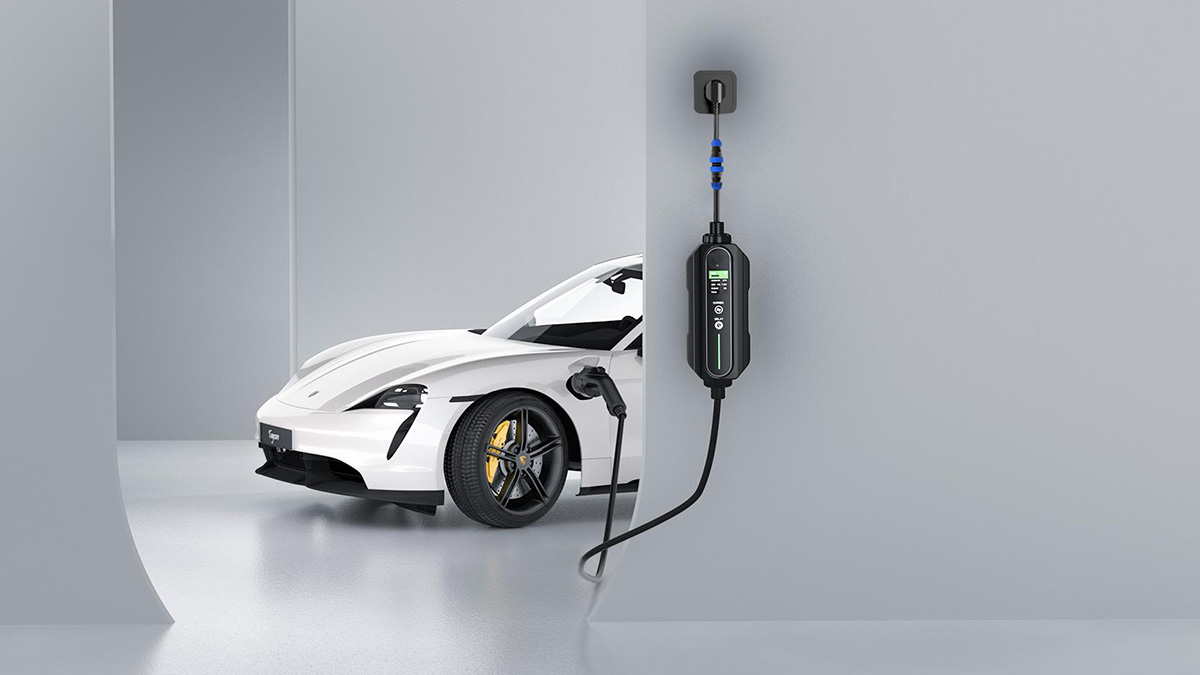
    As the world embraces electric vehicles (EVs) at an unprecedented rate, maintaining the components that make EV charging possible is crucial. Among these components, EV connectors are vital for ensuring a smooth and reliable charging experience. Just like any other part of an EV charging system, these connectors need regular maintenance to function optimally and last longer. In this article, we will explore how proper EV connector maintenance can extend their lifespan, prevent unexpected failures, and ensure better performance.     Why EV Connector Maintenance Matters EV connectors are exposed to a range of challenges over time, including corrosion, wear, dirt buildup, and environmental factors. Without proper care, connectors can experience decreased efficiency, increased contact resistance, and even total failure, which may disrupt the entire charging process. Therefore, routine maintenance is crucial for extending the lifespan of EV connectors and ensuring the charging stations remain reliable.     Types of EV Connectors and Common Issues Before diving into maintenance practices, it's important to understand the types of EV connectors commonly used and the typical issues they face.   Type 1 (SAE J1772): Common in: North America and parts of Asia. Usage: Primarily used for Level 1 and Level 2 AC charging. Issues: Frequent wear of the pins due to regular use, potential for corrosion in humid conditions, and dirt buildup inside the connector.     Type 2 (IEC 62196-2): Common in: Europe, used widely across most of the EU. Usage: Suitable for fast AC charging (up to 22 kW). Issues: Similar to Type 1, connectors may wear out over time, and exposure to saltwater in coastal regions can lead to corrosion. Dust and water ingress are common issues without proper sealing.     CCS (Combined Charging System): Common in: Europe, North America, and rapidly growing markets. Usage: The standard for DC fast charging, typically seen in public charging stations. Issues: With high power delivery comes high strain on connectors, leading to faster wear and tear, overheating under frequent use, and potential for contact resistance issues.     Tesla Supercharger: Common in: Worldwide, but primarily in North America and Europe. Usage: Proprietary connector used for Tesla's own Supercharger network, enabling DC fast charging. Issues: While Tesla connectors are built to high standards, overuse can lead to issues with connector pins bending or becoming loose. Tesla has designed their Supercharger network to offer reliable performance, but regular maintenance ensures long-term functionality.     Type 3 (Mennekes/IEC 62196): Common in: Some European countries. Usage: Less commonly used today, replaced by Type 2, but still found in older charging infrastructure. Issues: Corrosion due to poor sealing and wear on pins during frequent connections.     Japanese Standard (CHAdeMO): Common in: Japan and some regions in North America. Usage: DC fast charging, particularly for Japanese electric vehicles (EVs). Issues: Like CCS, CHAdeMO connectors can wear out with heavy use. The larger connectors also make them more prone to physical damage. CHAdeMO's connectors are designed for high-power delivery, but they also require more regular maintenance to prevent issues such as decreased conductivity and corrosion.       Top Tips for Maintaining EV Connectors Proper maintenance of EV connectors can significantly extend their lifespan and improve their performance. Here are some of the most effective maintenance practices:   1. Regular Cleaning A clean connector is a functional connector. Dirt, grime, and even moisture can negatively impact the performance of your EV connectors. How to Clean: Gently wipe down the connector with a soft, damp cloth after each use. Use a contact cleaner for deeper cleaning to remove any corrosion or buildup on the pins. Avoid Harsh Chemicals: Never use harsh solvents that could damage the materials of the connector or the electrical components.   2. Check for Wear and Tear Frequent use of EV connectors can lead to physical wear. Periodically inspect the connector for any signs of loose components or worn-out cables.   Signs of Wear: Look for bent pins, frayed wires, or physical damage to the housing. If any part of the connector is visibly damaged, it should be repaired or replaced immediately to avoid further degradation.   3. Environmental Protection The environment plays a major role in the longevity of EV connectors. If your charging station is exposed to harsh conditions, take steps to protect the connectors.   Storage: When the charging station is not in use, store the connectors in weatherproof covers or sheltered areas to prevent damage from the elements. Use of Caps and Covers: Ensure that connector heads are covered when not in use to avoid dirt and moisture buildup.     Advanced Maintenance Techniques for Long-Term Performance In addition to basic cleaning and protection, there are more advanced techniques to keep your EV connectors performing at their best:   1. Use Lubricants A connector lubricant can reduce friction during insertion and removal, protecting the connector pins and preventing wear. Make sure to use high-quality lubricants designed specifically for EV connectors to ensure compatibility and avoid damage.   2. Apply Protective Coatings For connectors exposed to extreme environmental conditions, such as coastal areas where salt can cause corrosion, applying a protective coating on the connector can significantly reduce wear. These coatings act as a barrier between the metal components and environmental factors like moisture or salt.     How Often Should You Service Your EV Connectors? Maintenance frequency largely depends on the level of usage and environmental factors. For example: Heavy Usage: If your connectors are in use constantly, such as at public charging stations, they should be checked and serviced every 3–6 months. Light Usage: For residential charging stations or infrequent use, maintenance can be done annually. Harsh Environments: If connectors are exposed to extreme conditions (e.g., high humidity, salt air, or extreme temperatures), more frequent maintenance may be necessary.       Signs Your EV Connector Needs Immediate Attention Regular checks will help you catch problems early, but certain signs indicate that your EV connector requires immediate attention: Overheating: If the connector feels hot to the touch during use, it may indicate a problem with contact resistance or internal damage. Difficulty Connecting: If the connector is hard to plug into or unplug from the vehicle, it may be worn out or have internal damage. Interruption in Charging: If charging stops unexpectedly or takes longer than usual, the connector or charging port may be malfunctioning.     Best Practices for Storage and Protection When the connector is not in use, proper storage is essential to prevent unnecessary damage. Here are a few tips:   Protect the Connector Housing: Always cover the connector when it’s not being used. This helps protect it from dust, dirt, moisture, and accidental physical damage. Avoid Tension on Cables: Ensure the cables are not under tension or in a twisted position that could damage the internal wires. Use cable management systems to keep cables organized and safe.     Conclusion Maintaining your EV connectors is essential for keeping your charging stations functional and efficient. Regular cleaning, inspection for wear and tear, environmental protection, and advanced maintenance techniques can significantly extend the lifespan of your connectors and prevent costly replacements. By following these practices, you’ll ensure reliable, high-performance EV charging stations that can stand the test of time.     Quick Maintenance Checklist Maintenance Task Frequency Tools Needed Clean connectors with cloth After every use Soft cloth, contact cleaner Inspect for physical wear Quarterly Visual inspection Apply lubricant to pins Annually Connector lubricant Protect connectors from environment Ongoing Weatherproof covers   By adhering to these maintenance tips, you'll ensure the longevity of your EV connectors, which will in turn enhance the overall lifespan of your EV charging station.
    Read More
  • Are Portable EV Chargers Worth It? Are Portable EV Chargers Worth It?
    Aug 27, 2025
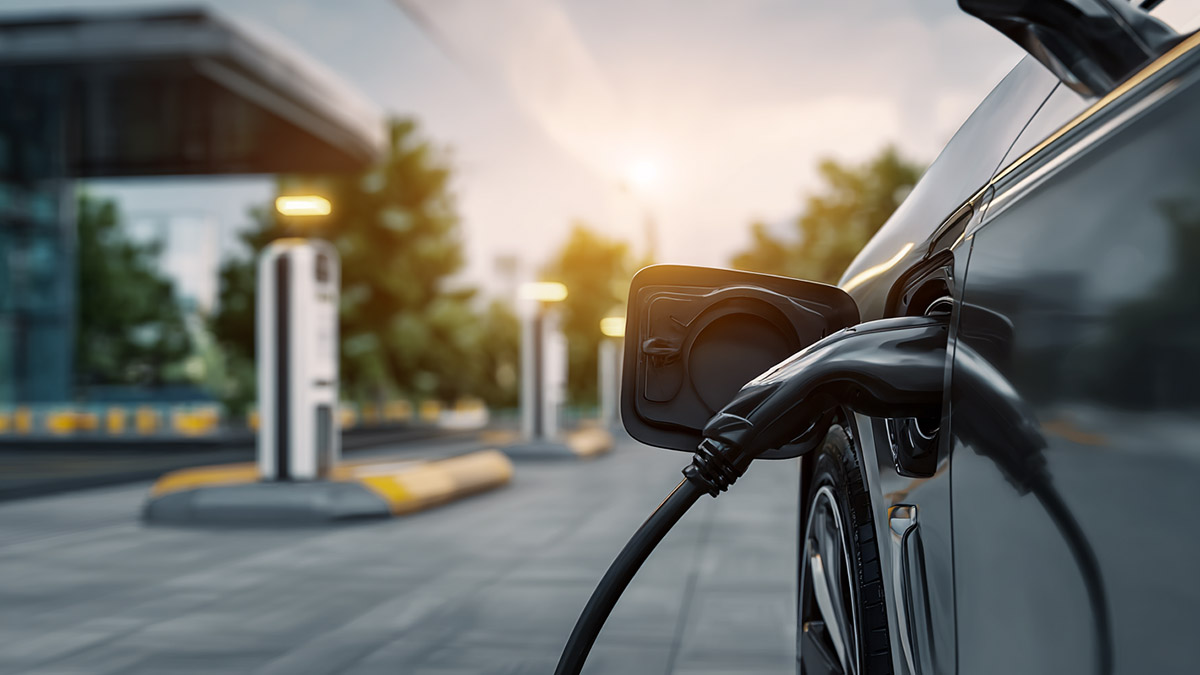
    As electric vehicles (EVs) become more popular, many EV owners are considering whether they should invest in a portable EV charger. At Workersbee, we often get asked questions like: Are portable EV chargers really worth it? Are they safe? How fast do they charge? Will they increase my electric bill? Today, we’ll dive into these common questions and help you make an informed decision, all while highlighting Workersbee’s expert products.   1. What Are the Disadvantages of Portable EV Chargers? One of the main drawbacks of portable EV chargers is slower charging speeds. When plugged into a standard 120V outlet (Level 1), charging times can be very long—often over 48 hours to fully charge an EV. While 240V outlets (Level 2) can speed things up, they still can’t compete with the faster speeds of wall-mounted charging stations. For those who need fast charging, portable options may not be ideal.   However, for emergency situations or occasional top-ups, portable chargers are a convenient solution.     2. Does Using a Portable EV Charger Increase My Electric Bill? Yes, using a portable EV charger will increase your electric bill, but the amount depends on how often you charge and the local electricity rates. Since most EVs use around 30 kWh to 50 kWh for a full charge, you can estimate the added cost by multiplying the kWh used by your local electricity rate. For instance, if your rate is $0.13 per kWh, charging your EV from 0 to 100% could cost anywhere from $4 to $7.   Portable chargers don’t consume power when not in use, but regular charging will contribute to your overall energy consumption.     3. How Fast Do Portable EV Chargers Charge? Portable EV chargers typically offer slower charging speeds compared to dedicated home chargers. A standard 120V outlet (Level 1) can take 24–48 hours to fully charge an EV. On the other hand, a 240V outlet (Level 2) may take around 6–12 hours, which is significantly faster but still slower than dedicated home chargers installed by professionals.   For users in need of a faster turnaround time, investing in a higher-powered wall-mounted charger might be a better option.     4. Are Portable EV Chargers Safe? Yes, portable EV chargers are safe when used properly. They are designed to meet all the safety standards for electrical appliances, including protection from overcharging, overheating, and short-circuiting. However, it’s important to ensure that the power source you're using is properly rated to handle the EV charger’s demands.   Additionally, if you plan to use the charger outdoors, ensure that it’s rated for outdoor use to protect against weather-related issues like water ingress.     5. Can You Charge an EV from a Portable Power Bank? Charging an EV using a portable power bank is generally not recommended due to the high power requirements of EVs. A portable power bank typically doesn’t have enough energy storage or output to charge an EV efficiently. EV chargers need a reliable and substantial power source, such as a dedicated wall outlet or EV charging station, to provide enough power.   However, portable power banks can be a helpful solution in emergencies, but they’re not a long-term charging solution.     6. What Is the Lifespan of an EV Charger? The lifespan of an EV charger largely depends on its usage and the quality of the unit. On average, a portable EV charger can last 5–10 years if well-maintained and used properly. Factors like exposure to extreme weather conditions, frequent use, and the overall build quality of the charger can affect its longevity.   At Workersbee, we offer durable and high-quality EV connectors that are built to last and perform optimally over time, ensuring reliable service for years.     7. Do You Need a Special Outlet to Charge an EV? For regular home charging, a Level 2 charger typically requires a dedicated 240V outlet, which is faster than the standard 120V outlet (Level 1). Most homes already have the necessary electrical capacity, but it’s recommended to consult with an electrician to ensure your home’s electrical system can handle the extra load.   For a portable charger, you can use a regular 120V outlet, but the charging time will be much longer.     8. How Often Do EV Chargers Fail? EV chargers are generally very reliable, but like any electronic device, they can fail over time. The most common reasons for failure include wear and tear, poor installation, or damage due to environmental factors like water or extreme temperatures.   At Workersbee, we design our products with robust materials to reduce the likelihood of failure and ensure long-term durability, even in challenging environments.     9. How Long Do EV Battery Packs Last? EV battery packs can last between 8 to 15 years, depending on how they’re used, how frequently the vehicle is charged, and environmental factors. Regular charging, proper maintenance, and avoiding extreme temperatures can extend the lifespan of your EV’s battery.   Portable chargers do not affect the battery pack lifespan significantly, but proper charging habits can help preserve both the battery and the charger’s health.     10. Do EV Chargers Use a Lot of Electricity? Yes, EV chargers do use electricity, but the amount will depend on the size of the battery, the type of charger, and the frequency of charging. A full charge can use anywhere from 30 kWh to 50 kWh, depending on your EV’s battery size.   For everyday driving, charging your EV a few times a week will add a manageable amount to your electricity bill. However, for long-distance travel, you may need to plan additional charging sessions, potentially at fast-charging stations.     11. Do I Really Need a Smart EV Charger? Smart EV chargers offer additional features such as remote monitoring, scheduling, and energy usage tracking. These features can help you manage your charging schedule more effectively, allowing you to take advantage of lower electricity rates during off-peak times, ultimately saving you money. While a smart charger isn’t necessary for all EV owners, it can be a great addition for those who want more control over their charging habits. At Workersbee, we offer advanced smart charging solutions that can integrate with your home energy system for efficient, cost-effective charging.     Conclusion Portable EV chargers are a great option for many EV owners, especially those who need a backup solution for emergency situations or those who don’t have access to a dedicated charging station. However, they do come with trade-offs, including slower charging speeds and the need for regular maintenance.   At Workersbee, we recognize how crucial it is to have a dependable and efficient charging solution tailored to your needs. Our high-quality EV connectors and smart charging solutions are designed to meet the needs of both everyday users and those in more demanding environments. Whether you need a portable charger for peace of mind or a permanent solution for faster charging, we have you covered.   Explore our EV Charger Series for a variety of options tailored to your needs, from portable chargers to high-powered wall-mounted solutions, ensuring you get the best performance and durability.     Meet our Portable EV Chargers: Portable Sae j1772 flex charger2 Workersbee ePort B Type 2 Portable EV Charger Workersbee High Power Dura Charger ePort C 3-Phase Type 2 Portable EV Charger Level1 Portable EV Chargers
    Read More
  • Understanding Contact Resistance in EV Connectors: Why It Matters for Fast Charging Reliability Understanding Contact Resistance in EV Connectors: Why It Matters for Fast Charging Reliability

    Aug 26, 2025
    Why Engineers Should Care About Contact Resistance When an electric vehicle plugs into a charging station, thousands of amperes of current may pass through the connector in just minutes. Behind this seamless user experience lies one of the most critical parameters in connector design: contact resistance. Even a slight increase in resistance at the interface between two conductive surfaces can generate excessive heat, degrade efficiency, and shorten the service life of both connector and cable.   For EV charging—where connectors must deliver high current repeatedly in outdoor environments—contact resistance is not an abstract concept. It directly determines whether charging remains safe, efficient, and cost-effective for operators and fleet managers.     What Contact Resistance Means in EV Connectors Contact resistance refers to the electrical resistance created at the interface of two mating conductive parts. Unlike bulk material resistance, which is predictable from the conductor’s dimensions and resistivity, contact resistance depends on surface quality, pressure, cleanliness, and long-term wear. In EV connectors, this value is critical because: Charging often exceeds 200A to 600A, amplifying even small resistance increases. The connectors are frequently plugged and unplugged, leading to mechanical wear. Outdoor conditions introduce dust, moisture, and corrosion risks.   Simply put: stable, low contact resistance ensures that high-power charging is safe and efficient.   Factors That Influence Contact Resistance Multiple variables affect how low or high contact resistance will be over time: Factor Impact on Contact Resistance Engineering Solution Contact material & plating Poor plating (oxidation, corrosion) raises resistance Use silver or nickel plating; controlled plating thickness Mechanical design Limited contact area increases localized heating Multi-point spring contacts, optimized geometry Environmental exposure Dust, humidity, and salt spray accelerate degradation IP-rated sealing, anti-corrosion coatings Insertion/extraction cycles Wear reduces effective contact surface High-durability spring systems, robust alloy selection Cooling method Heat buildup increases resistance under load Air-cooled vs. liquid-cooled design depending on power level This table highlights why connector design cannot rely on one factor alone. It requires a combination of material science, precision engineering, and environmental protection.     The Consequences of Rising Contact Resistance When contact resistance increases beyond design limits, the consequences are immediate and costly: Heat generation: Localized heating damages pins, housing materials, and insulation. Reduced efficiency: Energy losses accumulate, especially in DC fast charging. Accelerated wear: Thermal cycling worsens fatigue on mechanical structures. Safety risks: In extreme cases, overheating can lead to connector failure or fire.   For charging station operators, this means more downtime, higher maintenance costs, and lower customer satisfaction. For fleet operators, unstable connectors translate into higher TCO (total cost of ownership).     Industry Standards and Testing Methods To ensure safe and reliable performance, contact resistance is explicitly regulated in international standards: IEC 62196 / IEC 61851: Defines maximum allowable resistance values for EV connectors. UL 2251: Specifies test methods for temperature rise and electrical continuity. GB/T Standards (China): Include resistance stability under high-cycle usage.     Testing typically involves: Measuring milliohm-level resistance across mating terminals. Verifying stability under thousands of insertion/extraction cycles. Conducting salt spray and humidity exposure tests. Monitoring temperature rise at maximum rated current.     How Workersbee Ensures Low and Stable Contact Resistance At Workersbee, reliability is engineered into every connector from the ground up. Our design and manufacturing processes focus on reducing and stabilizing contact resistance across the product’s entire service life. Key design strategies include: Multi-point contact design Spring-loaded contact systems ensure consistent pressure and multiple conductive paths, minimizing hotspots. Advanced plating processes Silver and nickel coatings are applied with precise control to resist oxidation and corrosion even in harsh outdoor environments. Cooling technologies tailored to application For medium-power charging, naturally cooled CCS2 connectors maintain safe operating temperatures. For ultra-fast charging, liquid-cooled solutions allow currents above 600A while keeping resistance stable.     Rigorous testing Each connector undergoes 30,000+ mating cycles in our laboratory. Salt fog and thermal cycling validate performance in real-world conditions.     Why This Matters for Customers For operators, fleets, and OEMs, low and stable contact resistance translates into: Reduced maintenance costs: Less downtime from overheating failures. Improved charging efficiency: More energy delivered, less wasted. Extended connector lifespan: Longer ROI period on charging assets. Future readiness: Confidence that today’s investment supports tomorrow’s higher-power vehicles.     Conclusion Contact resistance may sound like a microscopic parameter, but in EV fast charging it has macroscopic consequences. By combining advanced materials, precision design, cooling innovation, and rigorous testing, Workersbee ensures that its connectors perform reliably in the field—charging after charging, year after year.   Looking for EV connectors that combine safety, efficiency, and durability?Workersbee offers naturally cooled and liquid-cooled CCS2 solutions engineered to keep contact resistance under control, even at the highest power levels.
    Read More
  • Liquid-Cooled vs Air-Cooled DC Cables: A Practical Guide for Throughput & TCO Liquid-Cooled vs Air-Cooled DC Cables: A Practical Guide for Throughput & TCO
    Aug 25, 2025
    If a fast charger overheats, it slows down. When current drops, sessions get longer, queues build, and revenue per bay falls. Cable cooling is what keeps current high for longer—so drivers leave sooner and your site earns more in the same hour. This guide keeps the engineering right but speaks in plain language, so operations, product, and facilities teams can make a confident choice.     Why cooling matters Most EVs take their highest power early in the session. That window is exactly when a hot afternoon, tight equipment rooms, or back-to-back use can push hardware toward thermal limits. If your cable can hold current through those first 10–15 minutes, dwell time drops across the queue. Cooling is not a spec sheet ornament—it’s the difference between a smooth peak and a congested site.     Two architectures at a glance Air-cooled (naturally cooled) DC cables keep things simple. There’s no liquid loop. You manage heat with conductor size, strand design, and jacketing. The upside is fewer parts, a lighter feel, and lean maintenance. The tradeoff is sensitivity to ambient heat and a practical ceiling on how much current you can hold for how long. Liquid-cooled cables add a compact, closed loop built into the cable and connector path. A small pump and heat exchanger carry heat away so the system can hold higher current deeper into the state-of-charge window. The upside is resilience in hot weather and busy peaks. The tradeoff is more components to monitor and service at planned intervals.     Side-by-side comparison Cooling method Sustained current (typical practice) Heat sensitivity Typical use case PM needs Ergonomics Air-cooled Mid-power sessions, commonly up to the ~375 A class depending on site and climate Higher—ambient heat drives earlier taper Mixed-use public posts, workplace sites, predictable fleet turns Light: visual checks, cleaning, strain-relief/holster wear Lighter, simpler handling Liquid-cooled High sustained current; commonly a ~500 A class with short higher peaks depending on ecosystem Lower—holds current better in hot weather and back-to-back use Highway hubs, heavy-duty depots, high-throughput corridors Moderate: coolant level/quality, seals, pump duty logs Heavier; benefits from cable management Notes: Ranges reflect common market positioning; always size to your cabinet, inlet standard, and site conditions.     When each one wins Choose air-cooled when your median peak-hour session sits in the mid-power band, your climate is moderate, and you value simple upkeep. That often fits public posts near retail, workplace charging, and fleet depots with predictable dwell times. You’ll appreciate the lighter handling and straightforward inspections.   Choose liquid-cooled when your promise to drivers depends on holding high current during busy windows or in hot environments. Think highway hubs where short “splash-and-go” stops rule, or city sites where afternoon heat and back-to-back sessions are the norm. Being able to hold current deeper into the charge curve will shave minutes off peak sessions and move the queue faster.   Maintenance & uptime Air-cooled setups run on the basics: keep the mating face clean, confirm latch function, check strain-relief, and watch holster wear. Liquid-cooled adds a few routine items: check coolant level and concentration, inspect seals and quick-connects, and review pump duty logs. None of this is complex; the key is to put the checks on a simple schedule so small issues never become downtime.   Ergonomics & site design Good cable management makes every system feel better. Ceiling reels or swing-arms shorten the reach so the connector “floats” near the vehicle. Place holsters close to the parking envelope so drivers don’t drag the cable across the ground. Mark an optimal stop line; that single stripe of paint saves connectors and keeps bends under control.   Throughput & TCO Nameplate power looks great on paper, but drivers feel sustained current. If heat forces an early taper, the site moves fewer cars per hour. That shows up in your P&L as longer queues, lower paid kWh per bay, and frustrated drivers. When comparing options, treat TCO as: purchase + installation + planned maintenance − (throughput gains and uptime). Liquid-cooled adds parts, but at busy, hot sites the extra current it can hold often pays back. Air-cooled removes complexity and cost where mid-power sessions dominate.     Decision checklist Pull the last four weeks of peak-hour logs and note the current held in minutes 5–15. Count how many peak sessions need high current sustained for at least 10 minutes. Factor in your hottest operating days and the thermal behavior of your enclosures. Be honest about maintenance cadence: lean staffing favors fewer parts; high-throughput may justify a coolant loop.   Align connector standard and cabinet power first, then size the cable cooling to your real session profile.   If a meaningful share of peak sessions needs high current in heat, liquid-cooled is the safer bet. If most sessions sit at or below mid-power, air-cooled keeps parts and PM lighter.     FAQ Is sustained 500 A basically a liquid-cooled territory?In practice, yes. High sustained current at scale is where liquid-cooled assemblies are designed to perform.   When is ~375 A air-cooled “enough”?When your peak-hour sessions are mostly mid-power and your climate is moderate. In that scenario, simplicity and lower PM often win on TCO.   Does liquid cooling add a lot of maintenance?It adds a few routine checks—coolant level/quality, seals, and pump duty—but nothing exotic. The payoff is better current hold in heat and during back-to-back use.   Will liquid-cooled cables feel heavier?They can. Plan for ceiling reels or swing-arms so day-to-day handling stays easy and ADA reach is protected.   What should I measure before deciding?Look at sustained current in minutes 5–15 during your busiest window, plus ambient conditions. Size the cooling method to hold that current under your real heat load.     Choose based on data Pick the cooling method that matches your sessions, not someone else’s spec sheet. If logs show steady mid-power, air-cooled minimizes parts and maintenance. If peak hours demand high current in tough weather, liquid-cooled protects throughput. Keep preventive maintenance tight and use cable management and strain-relief accessories so the system you choose delivers the same performance a year from now.   Workersbee focuses on DC connector and cable engineering across both air-cooled and liquid-cooled architectures. For mid-power deployments that value simplicity and lean upkeep, see 375 A naturally cooled CCS2 EV charging cable. For high-throughput hubs and hot-weather sites aiming to hold higher current, explore liquid-cooled CCS2 charging cable options sized to your cabinet and session data. If you’re scoping a project now, request a spec pack or talk to engineering—we’ll align derating curves and maintenance intervals so your choice performs the same on day 365 as it does on day one.
    Read More
1 2 3 4 5 6 7
A total of7Pages

Need Help? leave a message

Leave A Message
Submit

home

products

whatsApp

contact